How to make a professional AI headshot for LinkedIn

You need a business photo for LinkedIn, a résumé, or a company website, but going to a studio is slow and expensive. An AI headshot does the same from one selfie: a sharp suit, clean background, even light.
Here’s how to get a professional headshot in a minute.
Step-by-step
- 1
Upload a selfie
One clear front-facing face photo is enough. The better the features are visible and the more even the light, the more accurately the AI keeps your look.
- 2
Choose a business style
In the headshot category, pick the setting and look: office, meeting room, suit, or smart casual. Each style sets the background, outfit, and light.
- 3
Generate the headshot
The AI creates a business portrait keeping your face, age, and gender — no “plastic” retouching.
- 4
Download in high resolution
The finished headshot exports in high quality — for LinkedIn, a résumé, a corporate site, or print.
What you can create
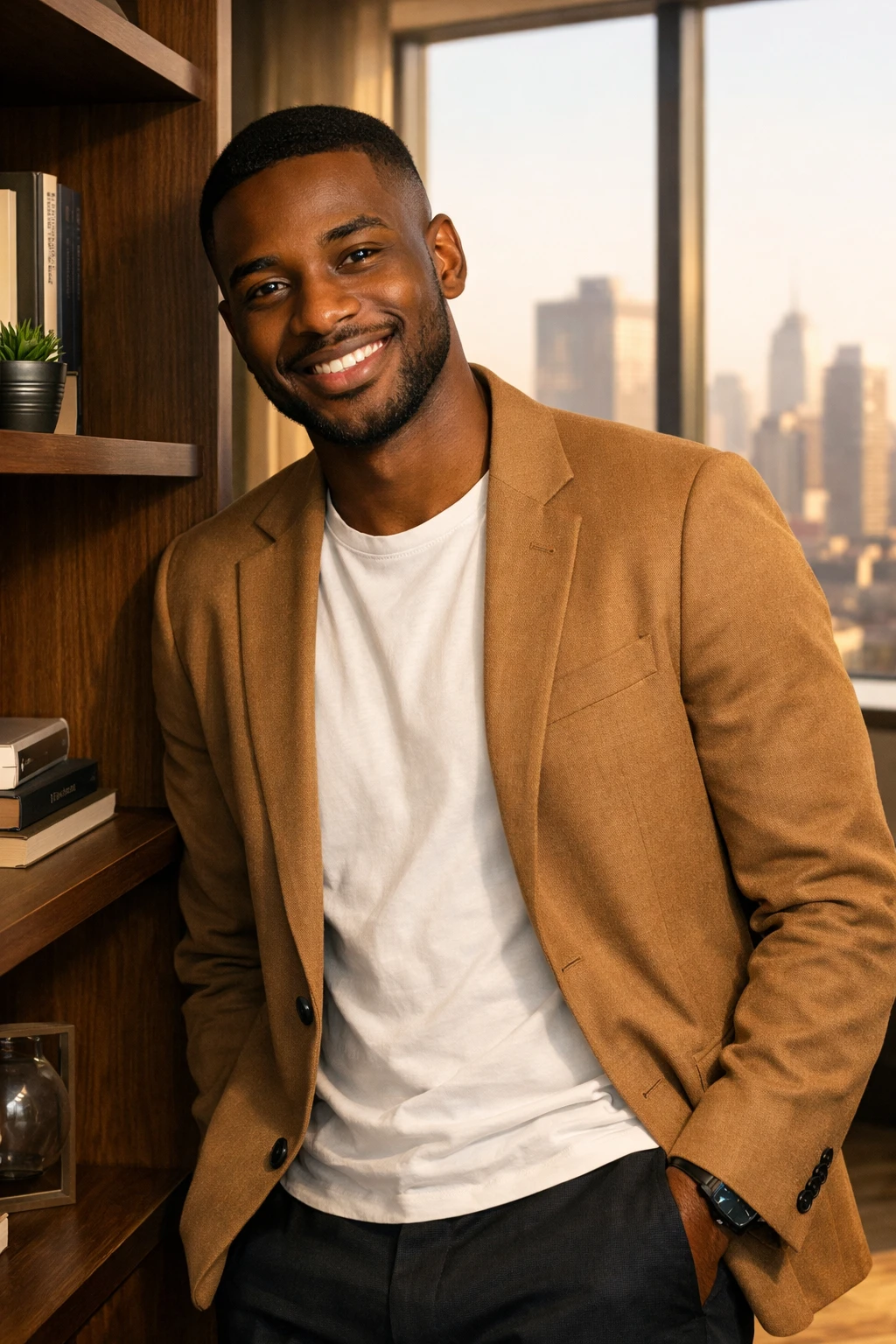
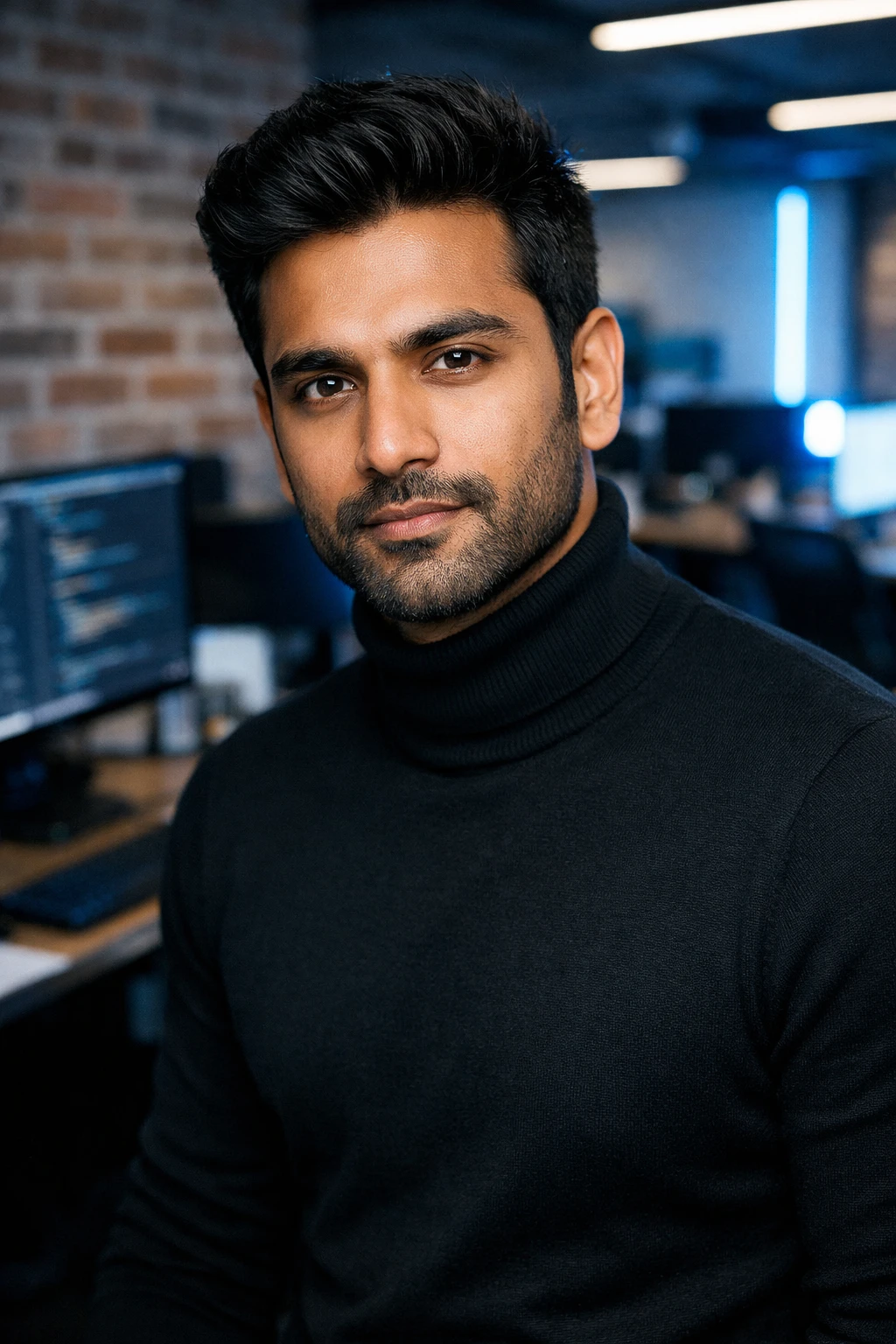
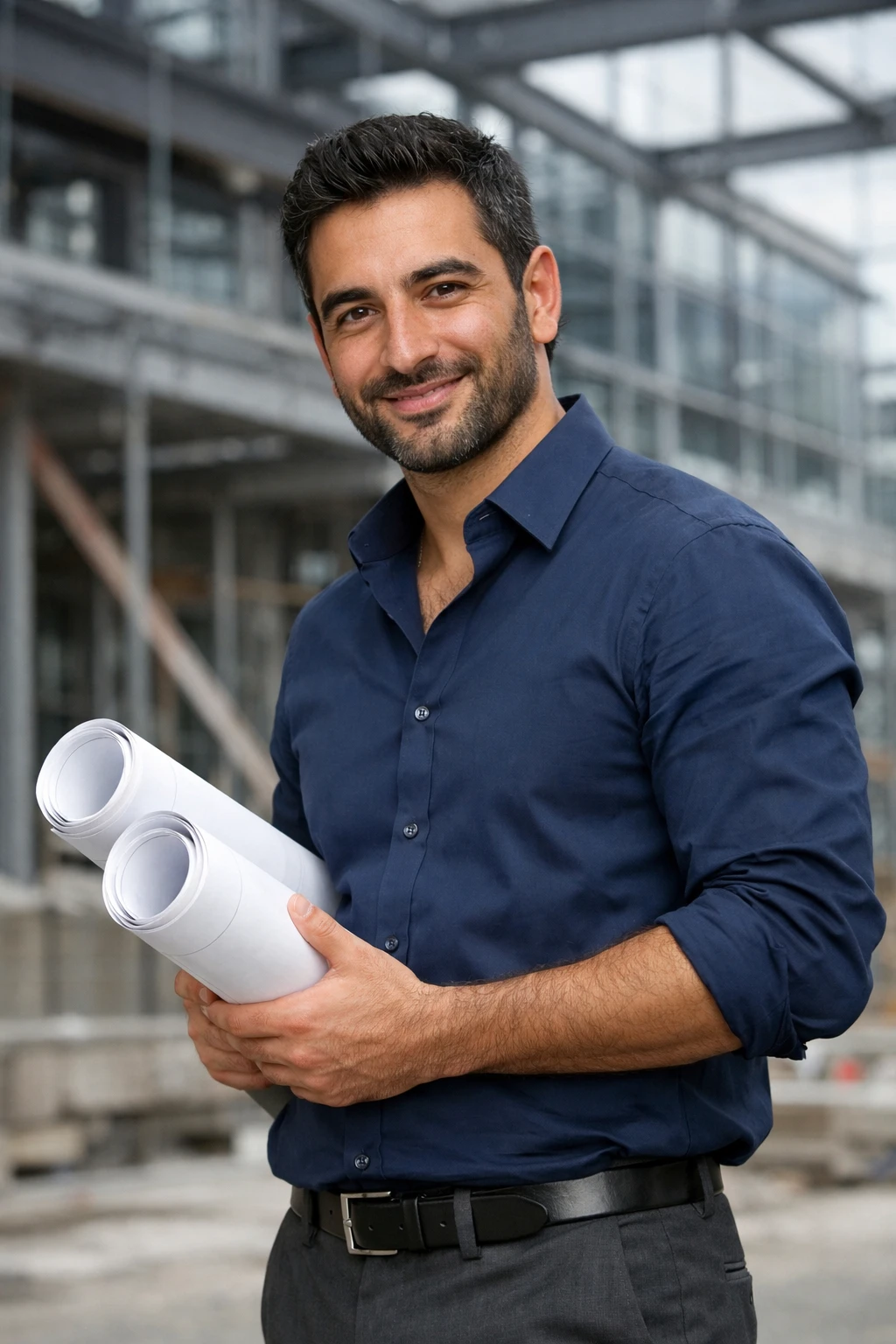
Tips
- Pick a photo with a neutral, confident expression.
- A classic suit or shirt looks best for LinkedIn.
- Generate several styles and pick the one that fits your field.
FAQ
Will it look like me?
Yes, the AI keeps your real facial features, age, and gender — just in a business look.
How many photos do I need?
One selfie is enough.
Can I use it for a passport or visa?
Headshots are made for social media and résumés; official documents have their own photo requirements.