How to make a studio-quality AI portrait from one selfie
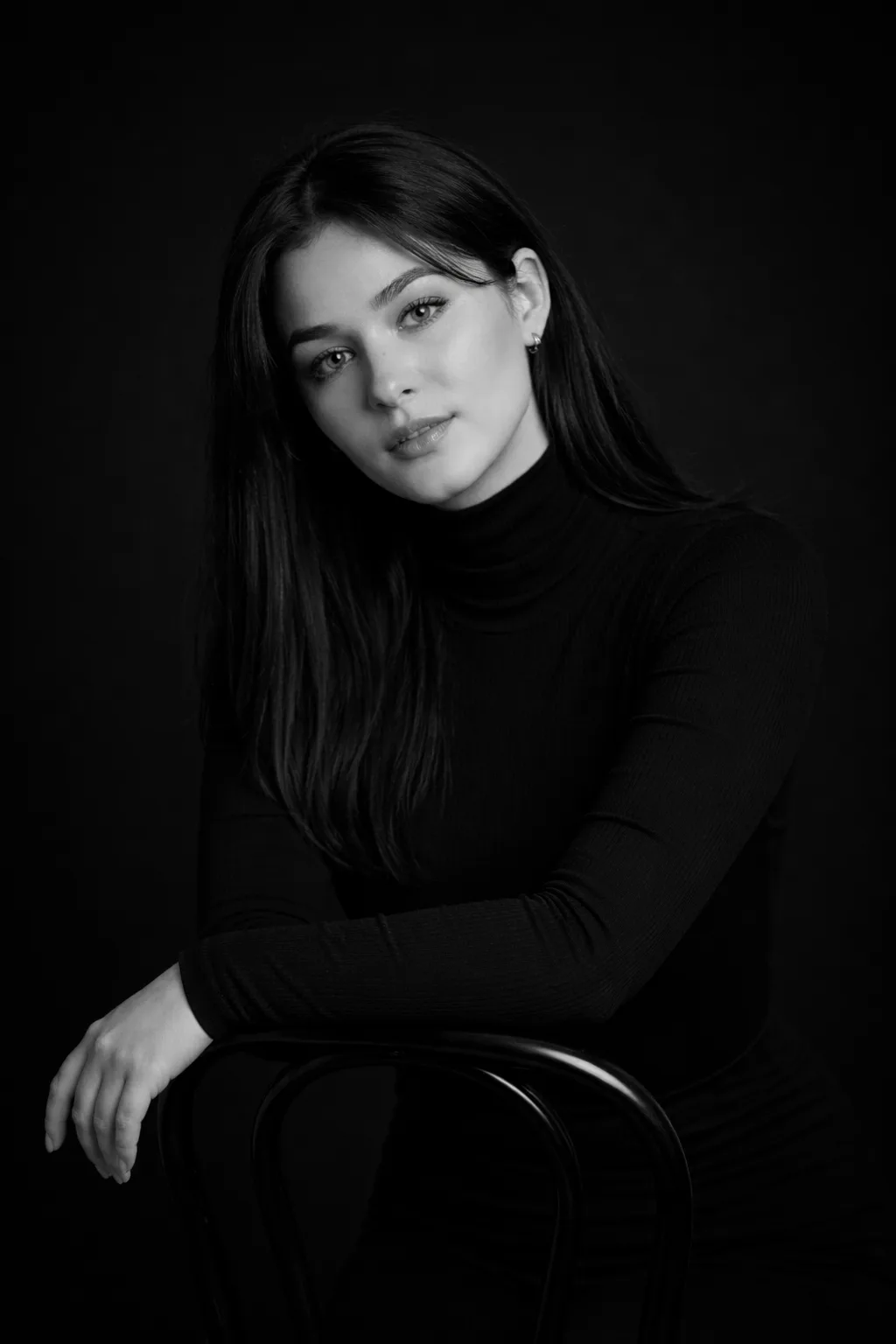
A studio photoshoot costs money and time, but you need the result right now — for a profile, a résumé, or social media. An AI portrait solves this: from one selfie the neural network creates dozens of studio-quality looks.
Let’s see how to get a professional AI portrait in a minute.
Step-by-step
- 1
Upload a selfie
One clear face photo is enough. The better the facial features are visible and the more even the light, the more accurately the AI keeps your look.
- 2
Choose a style
The portrait category offers 100+ styles: business headshots, soft beauty portraits, fashion and cinematic looks. Pick the one that fits.
- 3
Generate the looks
The AI creates portraits keeping your face, age, and features — no “plastic” retouching. You can get several variants at once.
- 4
Download in high resolution
The finished portraits export in high quality — for an avatar, LinkedIn, dating apps, or print.
What you can create
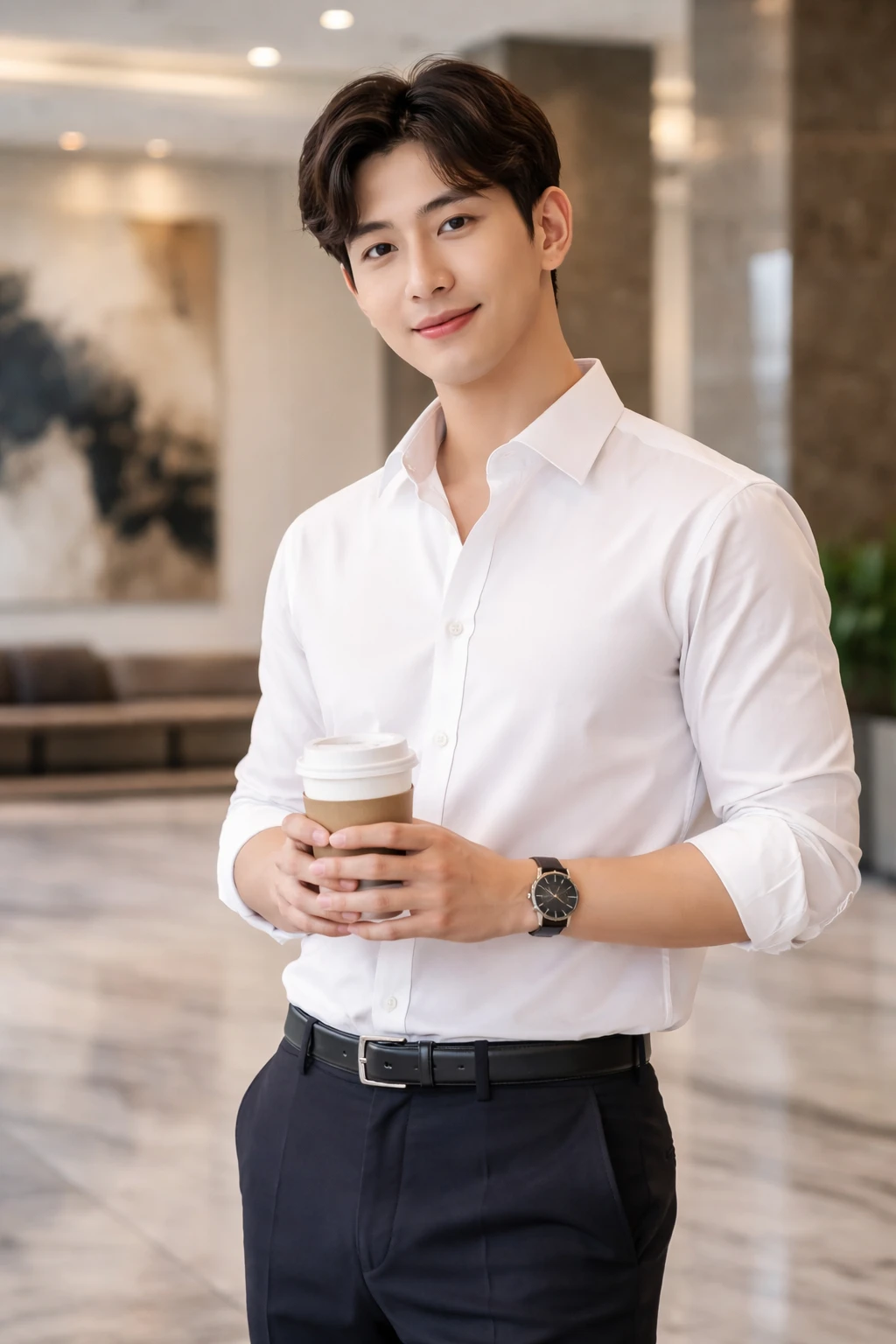

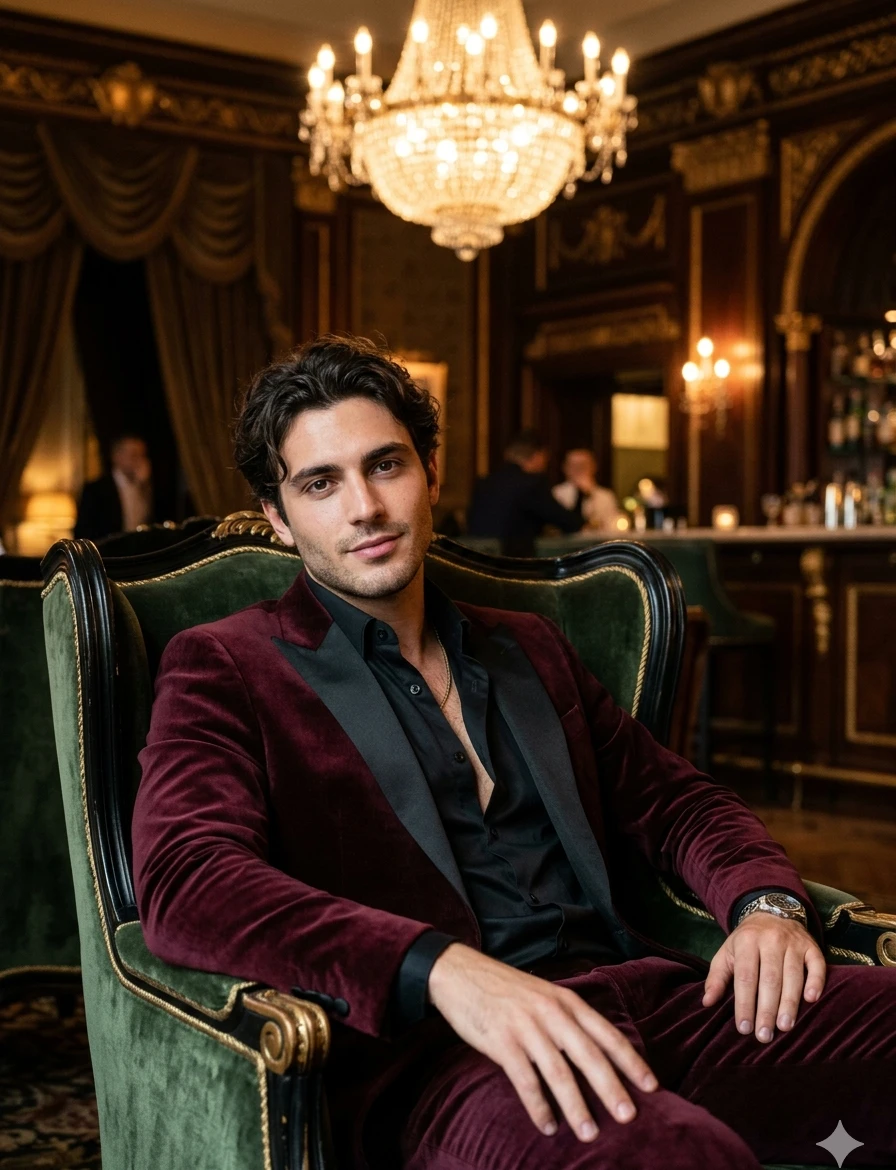
Tips
- For a business headshot, pick a photo with a neutral expression.
- The same shot in different styles gives completely different looks — experiment.
- Don’t use photos with sunglasses or a covered face — the AI transfers features worse.
FAQ
Will my face be kept?
Yes, the AI keeps your real facial features, age, and gender without “improving” or altering your look.
How many photos do I need?
One selfie is enough.
Is it good for LinkedIn?
Yes, there are dedicated business styles — perfect for professional profiles.